


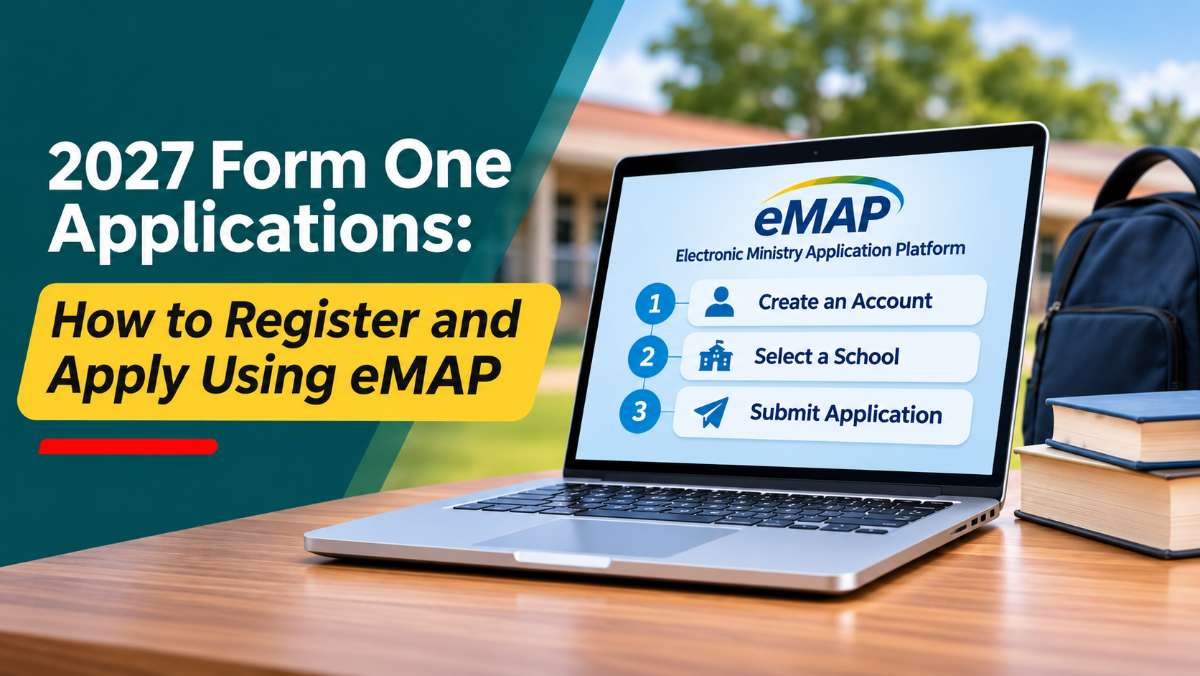
Parents looking for boarding school places for their children in 2027 can now submit applications through Zimbabwe's online Form One placement system.
The Ministry of Primary and Secondary Education uses its Electronic Ministry Application Platform (eMAP) to manage Form One boarding school applications.
The system allows parents to create an account, select their preferred schools and monitor the progress of applications without having to visit each school physically.
If you are applying for a Form One place for your child, here is how to use the platform.
Step 1: Visit the eMAP application website
Start by opening your internet browser and visiting the Ministry's Form One application portal:
http://www.emap.co.zw/Form1Enrol/
On the homepage, look for the registration option labelled:
"If you do not have an account please Sign Up Here."
Click on this link to create an account for the learner.
Step 2: Enter the learner's Grade Seven examination details
The registration process requires information that identifies the learner in the Grade Seven examination records.
You will need to provide:
- Examination centre number.
- Candidate number.
- Learner's date of birth.
You will also be asked to indicate whether the learner has been cleared by their former primary school.
Make sure the information matches the learner's examination records. Incorrect examination details could prevent the registration from going through.
Step 3: Enter your contact details and create a password
After entering the learner's examination details, you will need to provide the parent or guardian's contact information.
The registration form requires:
- Mobile phone number.
- Email address (optional).
- Password.
- Confirm password.
Choose a password that you can remember and keep it somewhere safe.
Once you have completed the required fields, click the Register button to create the account.
Step 4: Log into your eMAP account
After successfully registering, return to the eMAP homepage.
Use the learner's examination centre number, candidate number and the password you created to sign in.
Once logged in, you can proceed to the school application section.
Keep your login details safe because you will need them to check the progress of your applications.
Step 5: Select the schools you want to apply to
After logging in, look for the option labelled Apply for Form 1 Place.
The system allows parents to search for boarding schools according to their location.
Follow these steps:
- Select the province where your preferred school is located.
- Select the district.
- Browse the list of available boarding schools.
- Find your preferred school and click Apply.
- Repeat the process for other schools you want to select.
You can choose schools from different provinces and districts.
Parents can apply to a maximum of five schools.
Before making your selections, consider the school's location, fees, academic performance and boarding facilities.
Step 6: Submit your applications and monitor progress
After selecting your preferred schools, follow the instructions on the platform to complete the application process.
Submitting an application does not automatically mean your child has secured a boarding school place.
Schools consider applications based on their admission requirements and available places.
You should regularly check your eMAP account for updates. Parents will also receive SMS notifications when a school makes an offer.
Step 7: What happens when your child receives an offer?
If a school offers your child a place, you will need to decide whether to accept or decline it.
This is an important decision because accepting an offer from one school automatically cancels all other pending applications.
Declining an offer is also a final decision. The school may offer that place to another learner.
For this reason, carefully consider your preferred schools before accepting or declining an offer.
Tips to avoid problems when using eMAP
Have the examination details ready: Keep the learner's centre number, candidate number and date of birth nearby before starting registration.
Use a working mobile number: Important application updates are communicated through SMS.
Keep your login details safe: You will need the examination centre number, candidate number and password to access the account.
Research schools before applying: Consider fees, location, academic performance and boarding facilities before selecting your five preferred schools.
Check your account regularly: Do not rely entirely on SMS notifications. Log in periodically to check the progress of applications.




Commenting is currently turned off.